06. Upload Invoices
- n/a
-
Upload invoices
The below is the instructions to upload invoices to PO's on the Vendor Portal.
Click on Your Purchase Order(s)
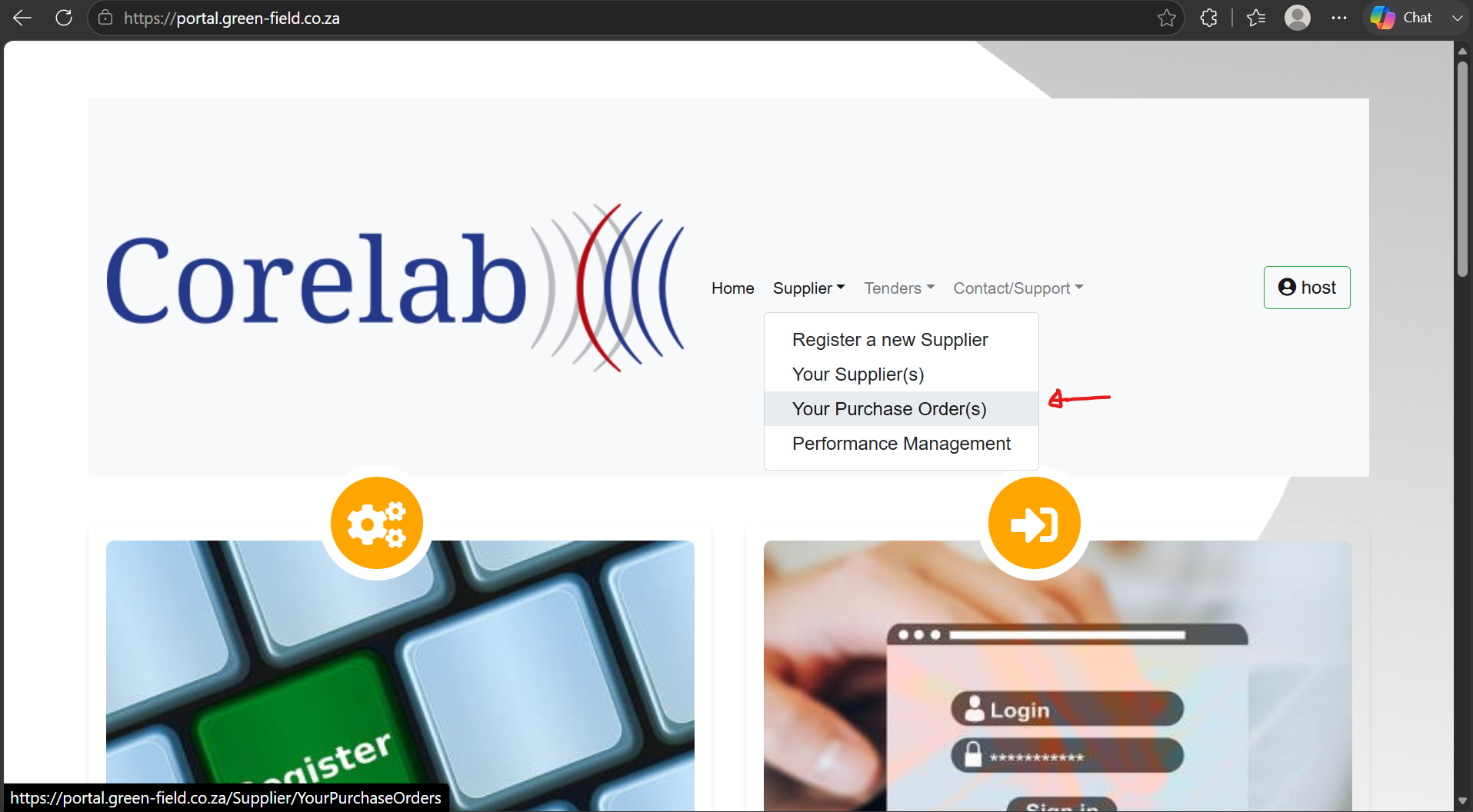
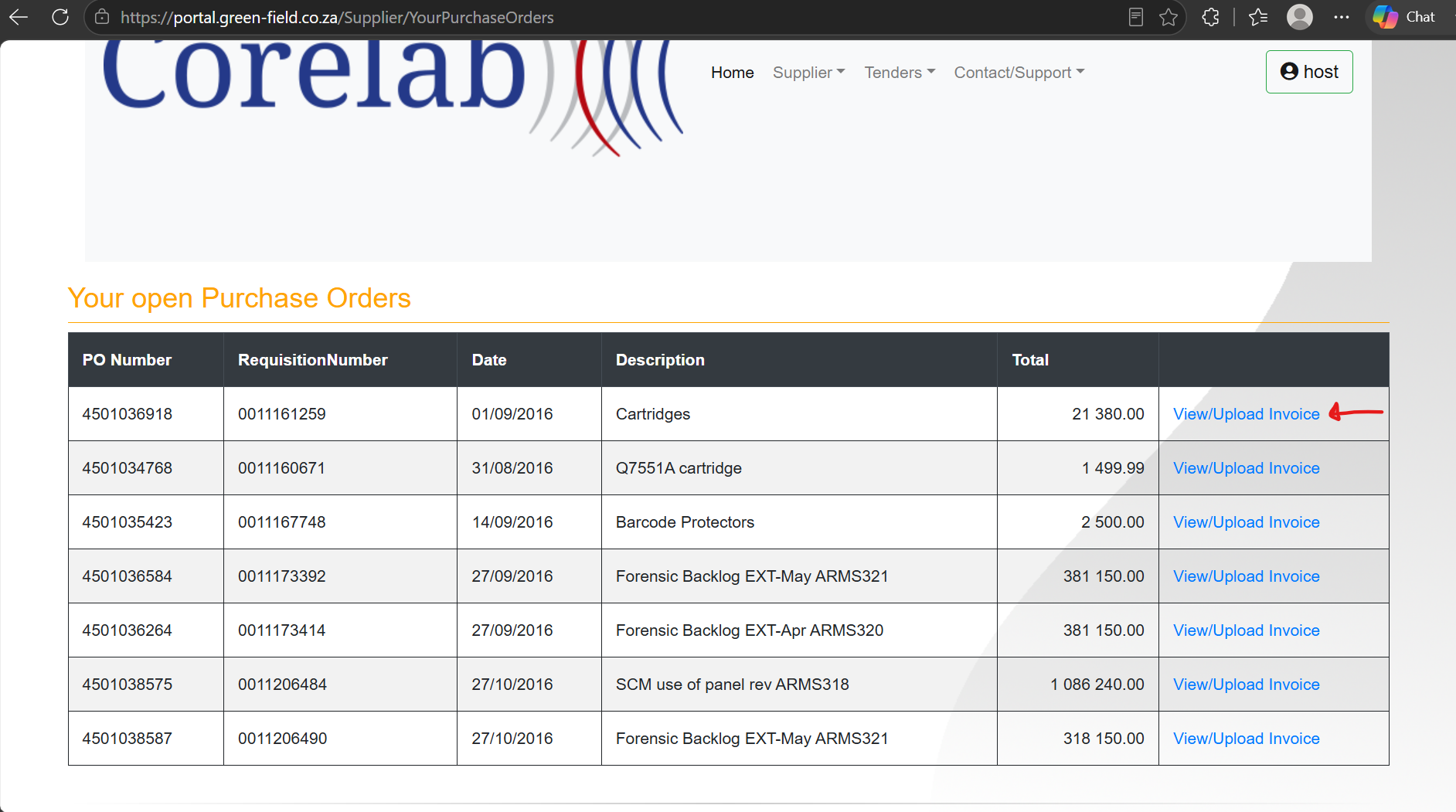
After clicking on Your Purchase Order(s) you’ll be taken to the page in the screenshot below. You can see all your purchase orders.
Next click View/Upload Invoice.
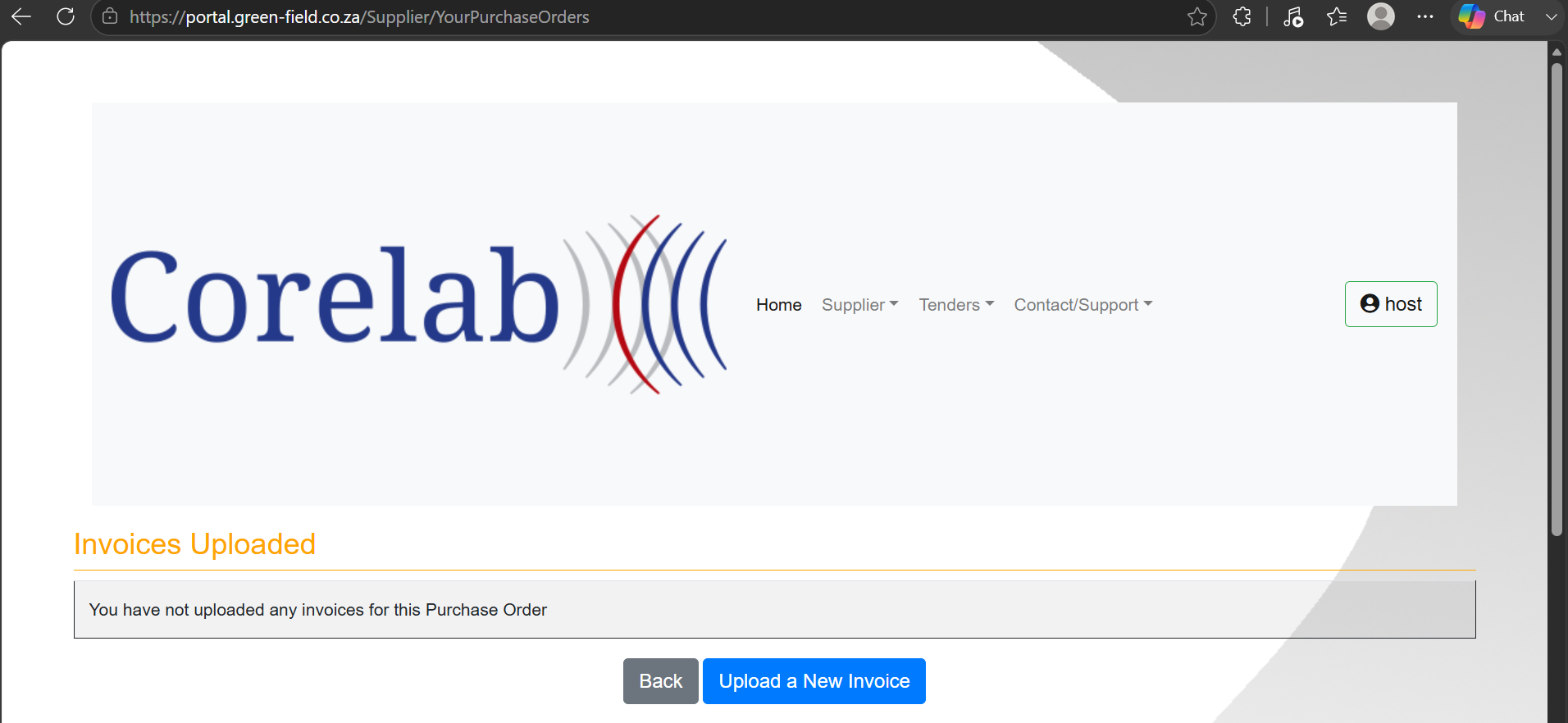
Once View/Upload Invoice is clicked, you’ll be brought to the page where you can upload your invoice.
Click up Upload a New Invoice
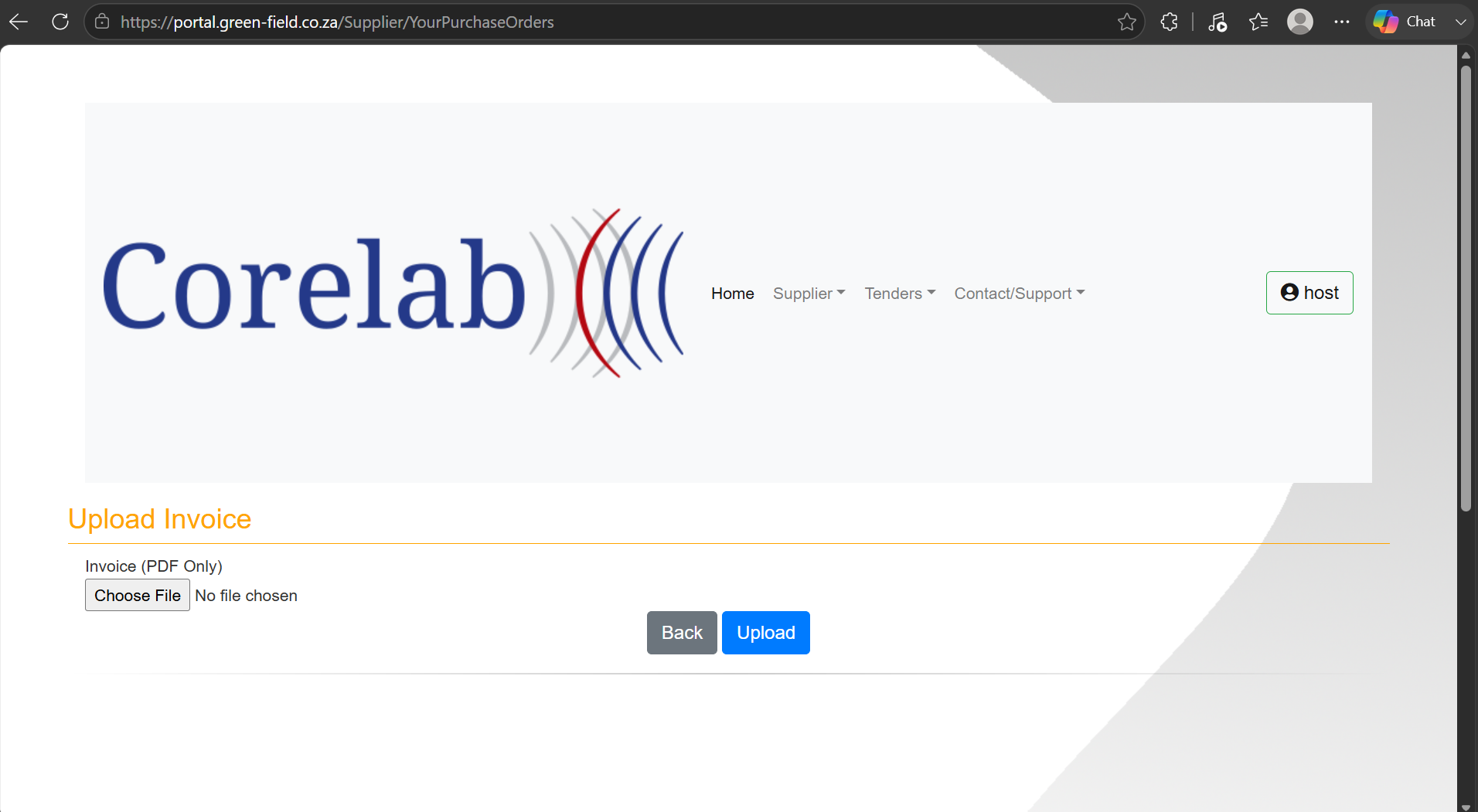
Next, choose the file you want to upload and clicked the Upload button
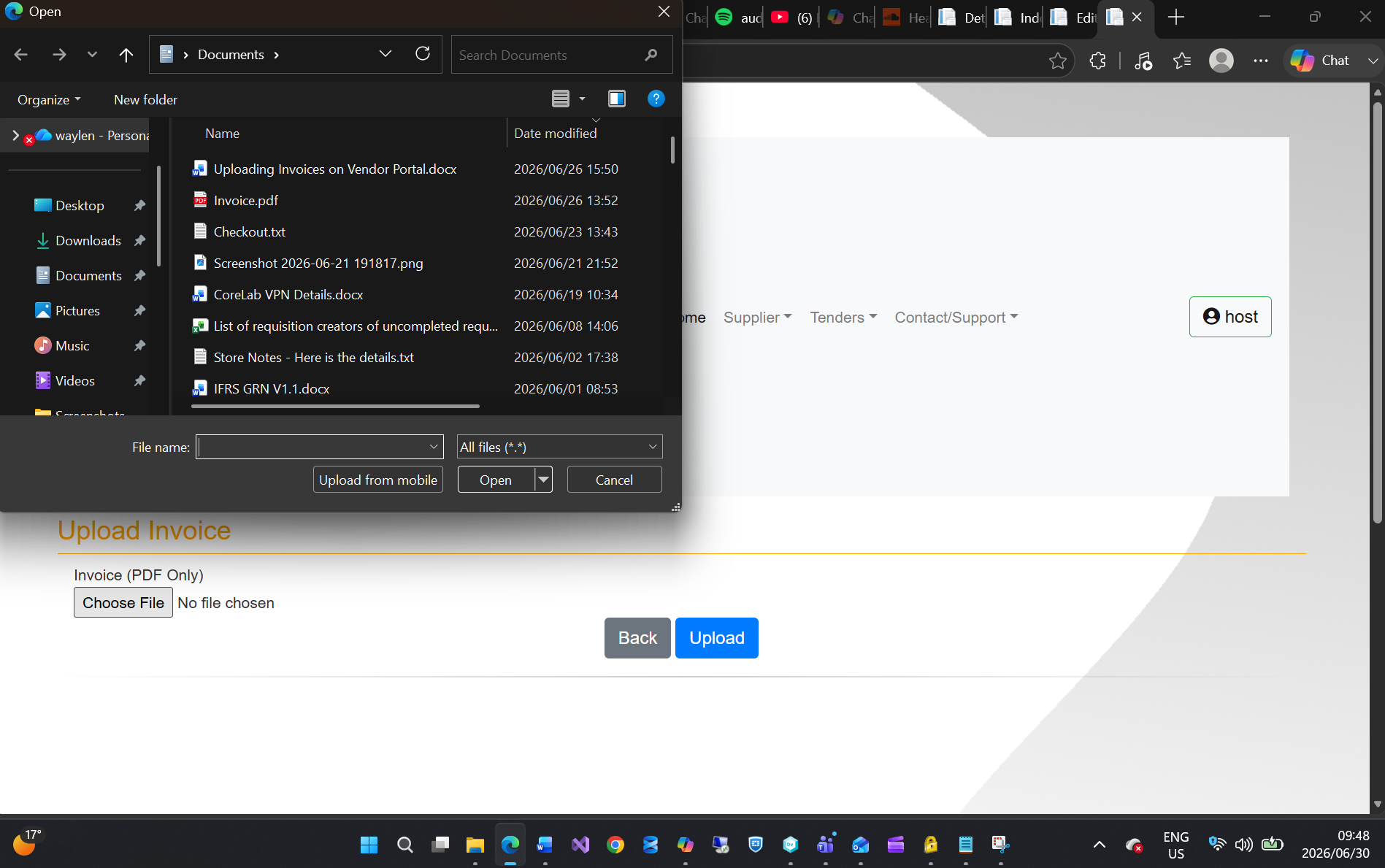
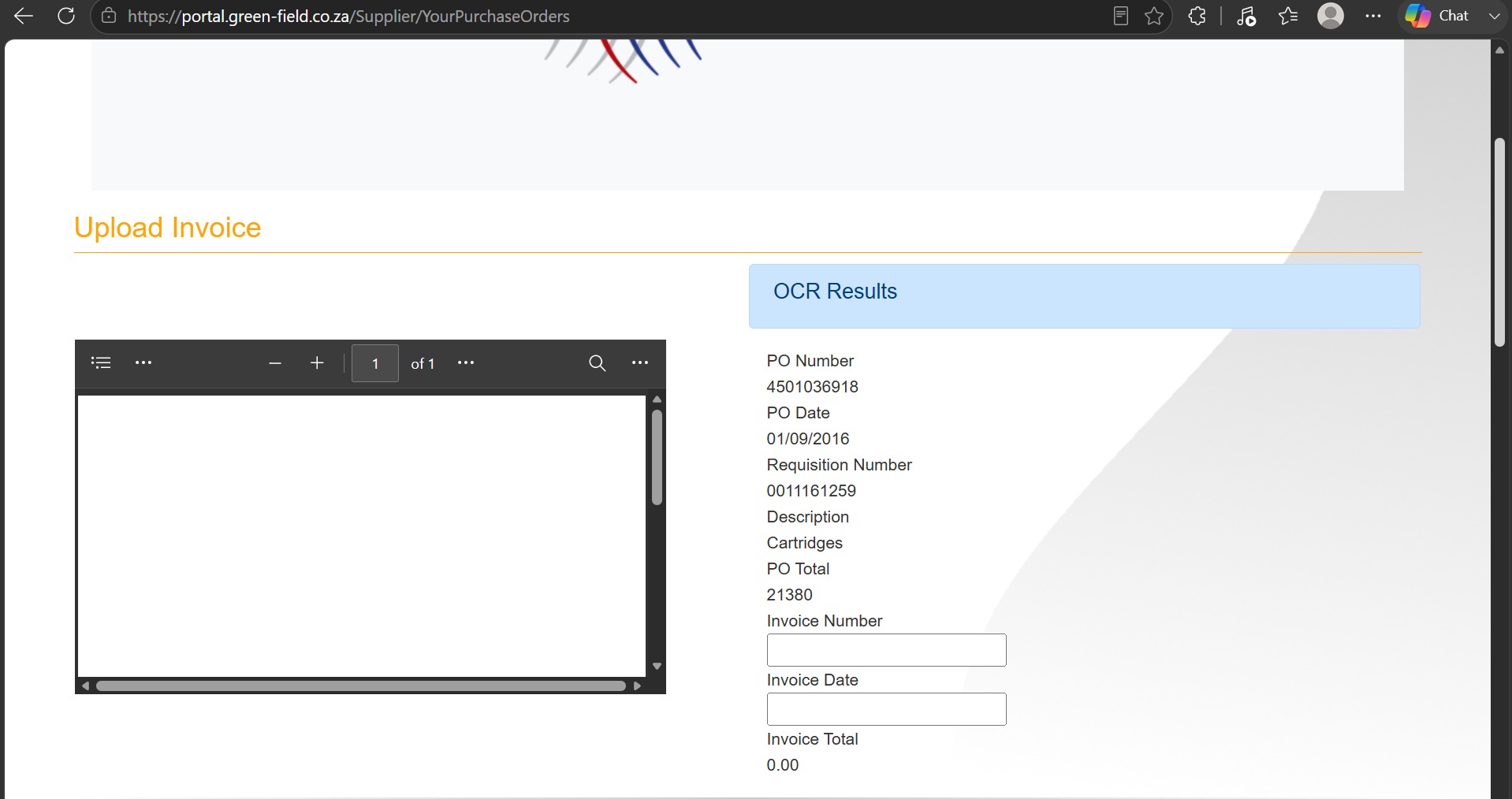
Once Upload button is clicked, you should see your Invoice.
Enter your Invoice Number and Invoice Date.
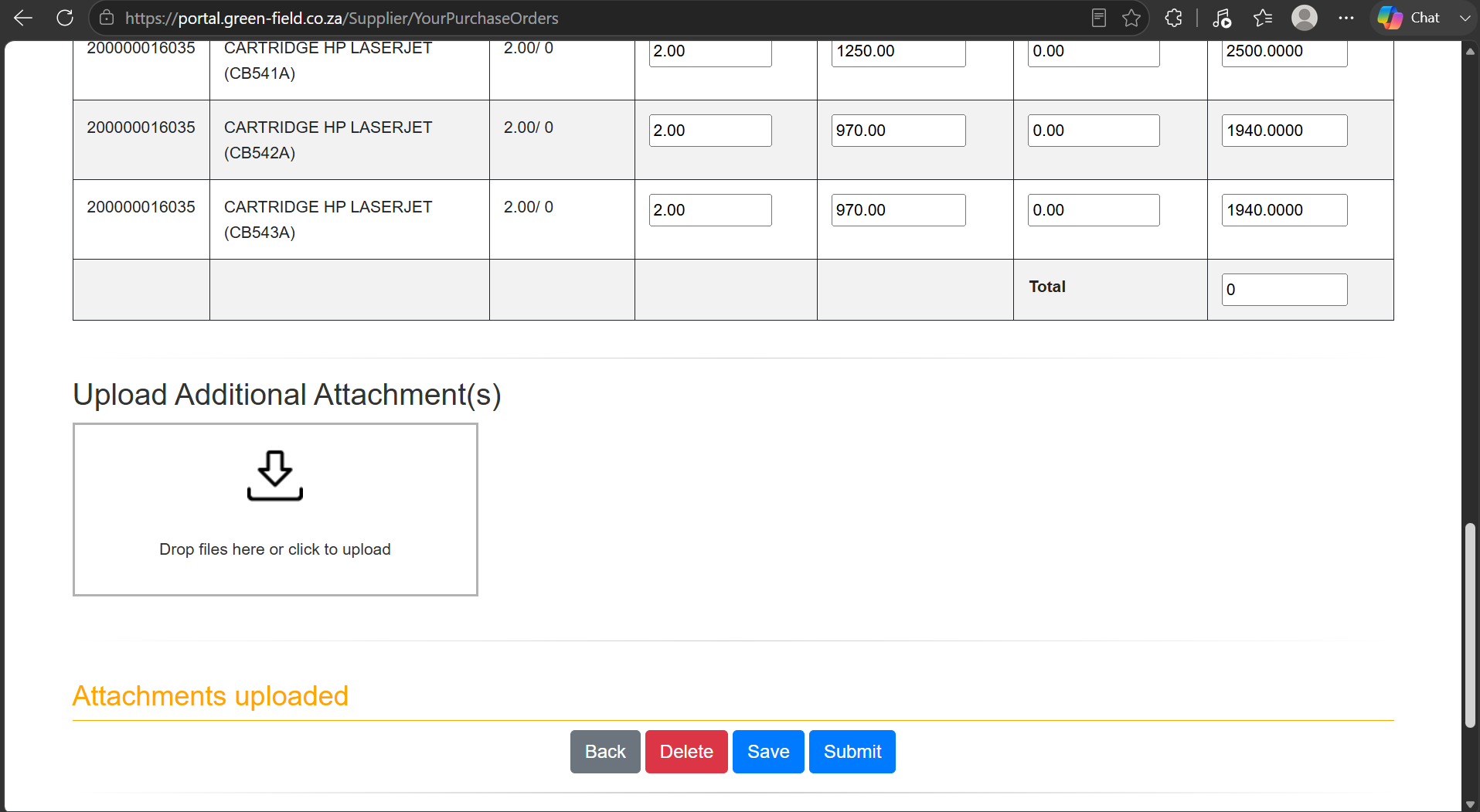
Next, Click the Save button to save the Invoice on the Vendor Portal.
- Date Created
- 2026/06/30 07:58:53
- ID
- 3215