Invoice Approval
- Home->Invoice
-
The invoice follows the Delegation of Authority as noted in the system.
Step 1:
After end user has requested approval on workflow, transaction is assigned to approver as per workflow.
Step 2:
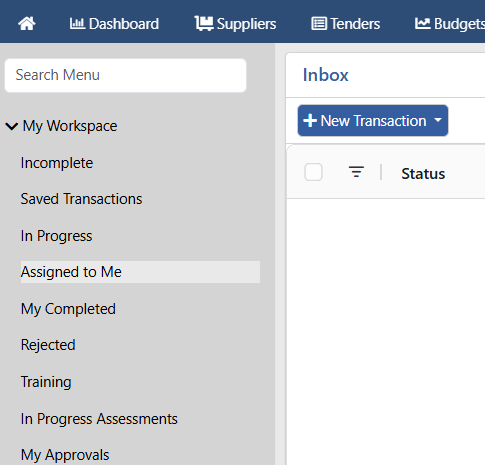
Approvers view transactions assigned to them.
Step 3:
Verify details of the invoice (can preview and download attachments).
Step 4:
Approve or reject invoice.
Step 5:
This process is repeated until the last approver.
Step 6:
Once completed, invoice is routed to ERP for further processing.
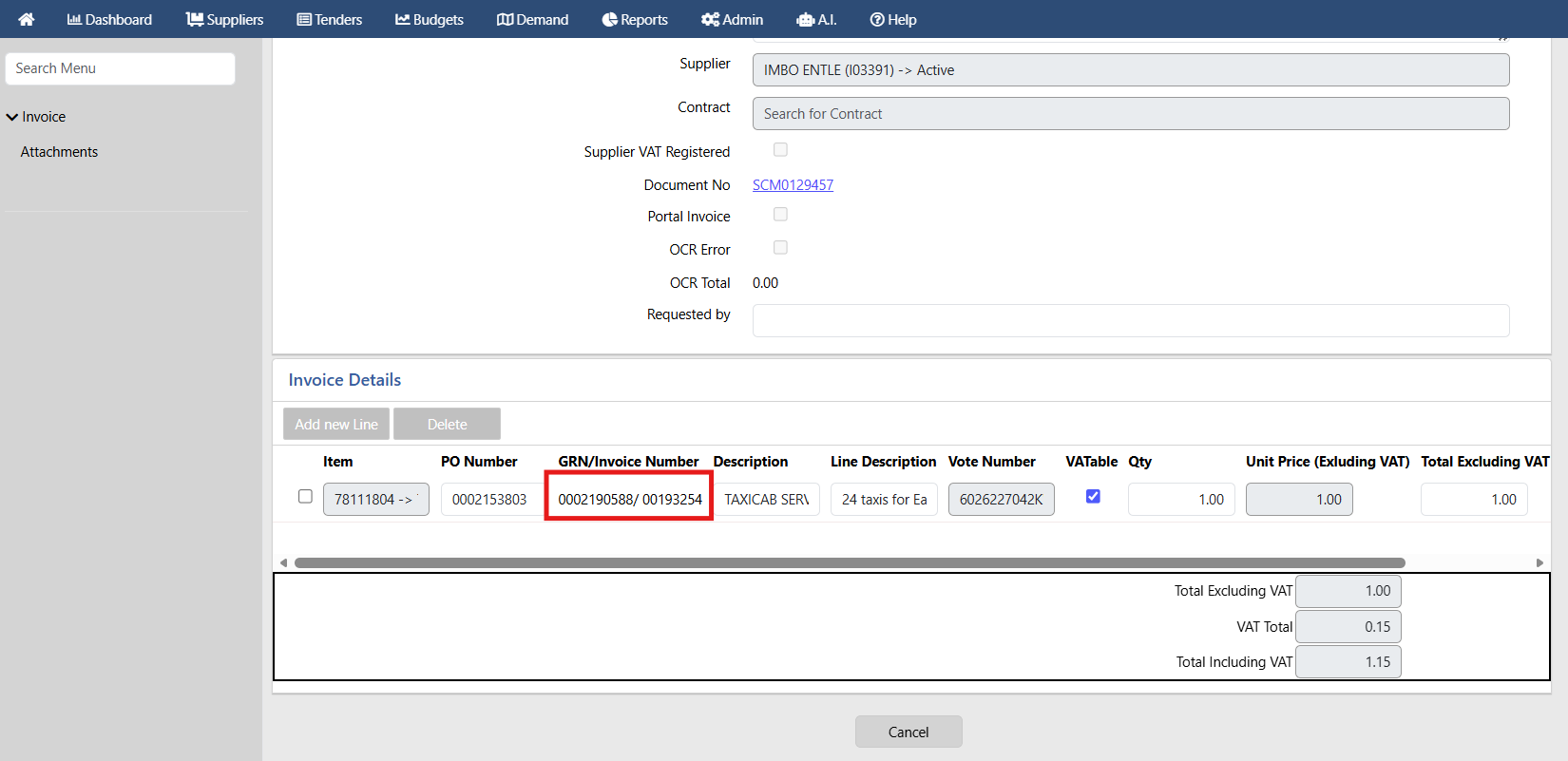
The invoice / GRN number is then displayed on the invoice details section.
- Date Created
- 2026/07/06 14:37:11
- ID
- 3217